After a rooftop solar system is connected under net metering, the electricity bill looks different. Instead of a single consumption reading, it shows units imported from the grid, units exported by your solar plant and a net figure. Understanding these lines helps you confirm that the system is working and that you are billed correctly.
1. How net metering works
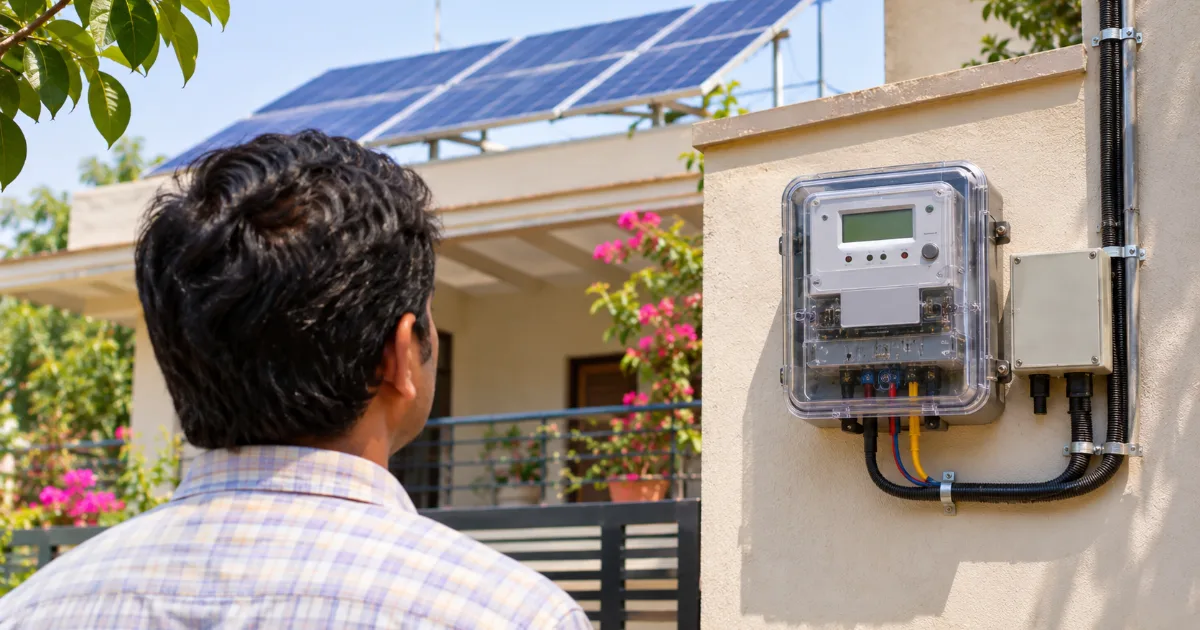
A bidirectional (net) meter records energy flowing in both directions. During the day, your solar plant supplies your load and any surplus flows to the grid as export. At night or when solar is insufficient, you import from the grid. You are billed broadly on the difference between import and export, as per the state regulations and your DISCOM’s billing rules. The process of getting connected is covered in our net metering guide for Rajasthan.
2. Key lines on a net-metered bill
- Import reading (kWh): units drawn from the grid, with previous and current readings.
- Export reading (kWh): units your plant sent to the grid.
- Net units: import minus export for the billing period. If export is higher, the surplus is usually carried forward as credit.
- Carried-forward or banked units: credit from earlier periods adjusted against later consumption, with settlement at the end of the period defined in regulations.
- Fixed charges and duties: fixed or demand charges, electricity duty and other levies, which may apply even when net energy is low.
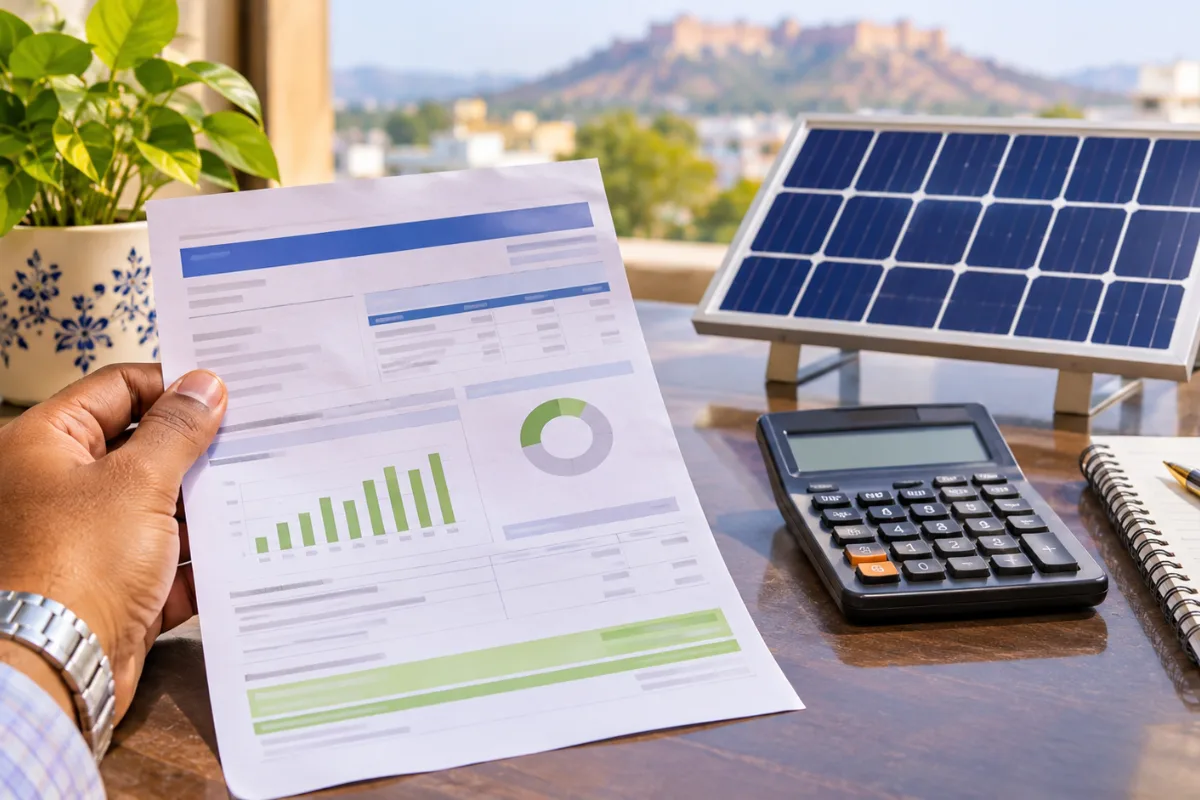
3. Checking the bill against your solar data
- Note your inverter’s or monitoring app’s total generation for the billing period.
- Export on the bill should be less than generation, because part of the solar output is used directly in your home or business.
- Self-consumption = generation − export. Your total usage = self-consumption + import.
- If export is zero or suspiciously low while the inverter shows generation, contact the DISCOM — the meter may not be recording export correctly.
4. Common issues
- Estimated readings: if the bill says “average” or “estimated”, ask for an actual reading.
- Export not credited: check that the meter is a bidirectional meter and that net metering is activated in the DISCOM’s system.
- Low generation: dust, shading, inverter faults or tripped breakers. See our guide to performance monitoring and panel cleaning.
- Higher bills after load growth: new appliances or an EV increase imports; compare month-on-month and consider expansion.
5. Keep simple records
Maintain a monthly sheet with bill import, export, net units, amount paid and solar generation. Over a year it shows your true savings and makes any billing error easy to spot.
Frequently asked questions
Why do I still pay a bill with solar?
Fixed charges, duties and night-time imports usually remain. Net metering reduces energy charges, not every component of the bill.
What happens to extra units I export?
Surplus units are generally carried forward and settled as per the state’s net metering regulations at the end of the settlement period.
Where do I complain about wrong solar billing?
Contact your DISCOM’s customer care or local office with your readings and monitoring data; consumer grievance forums are available if the issue is not resolved.
Sources
- Rajasthan Electricity Regulatory Commission
- Energy Department, Government of Rajasthan
- PM Surya Ghar national portal
Questions about your solar savings? Contact ATTPL Solar.